Sign up
Sign up for Wattvia.
Already have a Wattvia account? Sign in.
Four quick steps: create your account, then bring your data your way.
Wattvia Basic is coming soon.
One-time assessment and Connected sign-ups are available today.
Checkout
Basic scores every week of every month you upload. Cancel anytime from your account page; your assessment and history stay yours.
Checkout is hosted by Stripe. Card details never touch Wattvia. After payment you will land on your first upload.
Connect your PECO data
Bayou.Energy is Wattvia's secure utility-data connection partner. It asks for the same PECO login you use at peco.com.
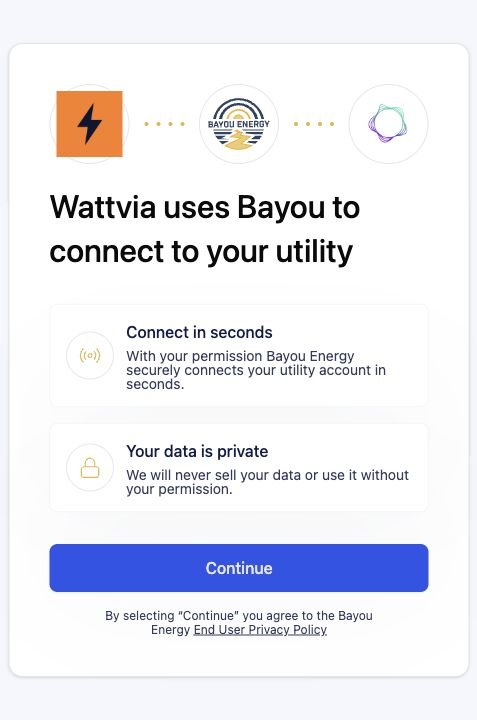
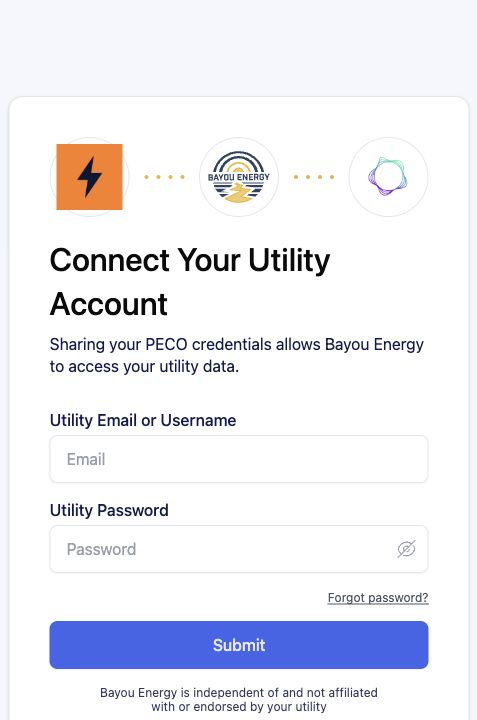
Wattvia never sees or stores your PECO password. It goes only to Bayou.Energy, which encrypts and stores it securely.
Wattvia receives read-only data - your PECO usage and billing history, nothing else.
- Confirm Wattvia.
- Enter PECO credentials.
- Complete MFA.
- Confirm success, close the Bayou tab, and return here.
What happens next
- You do not need to submit the sign-up form again.
- Wattvia will follow up if a new secure authorization link is needed.
Opens in a new tab. This page updates automatically after authorization.